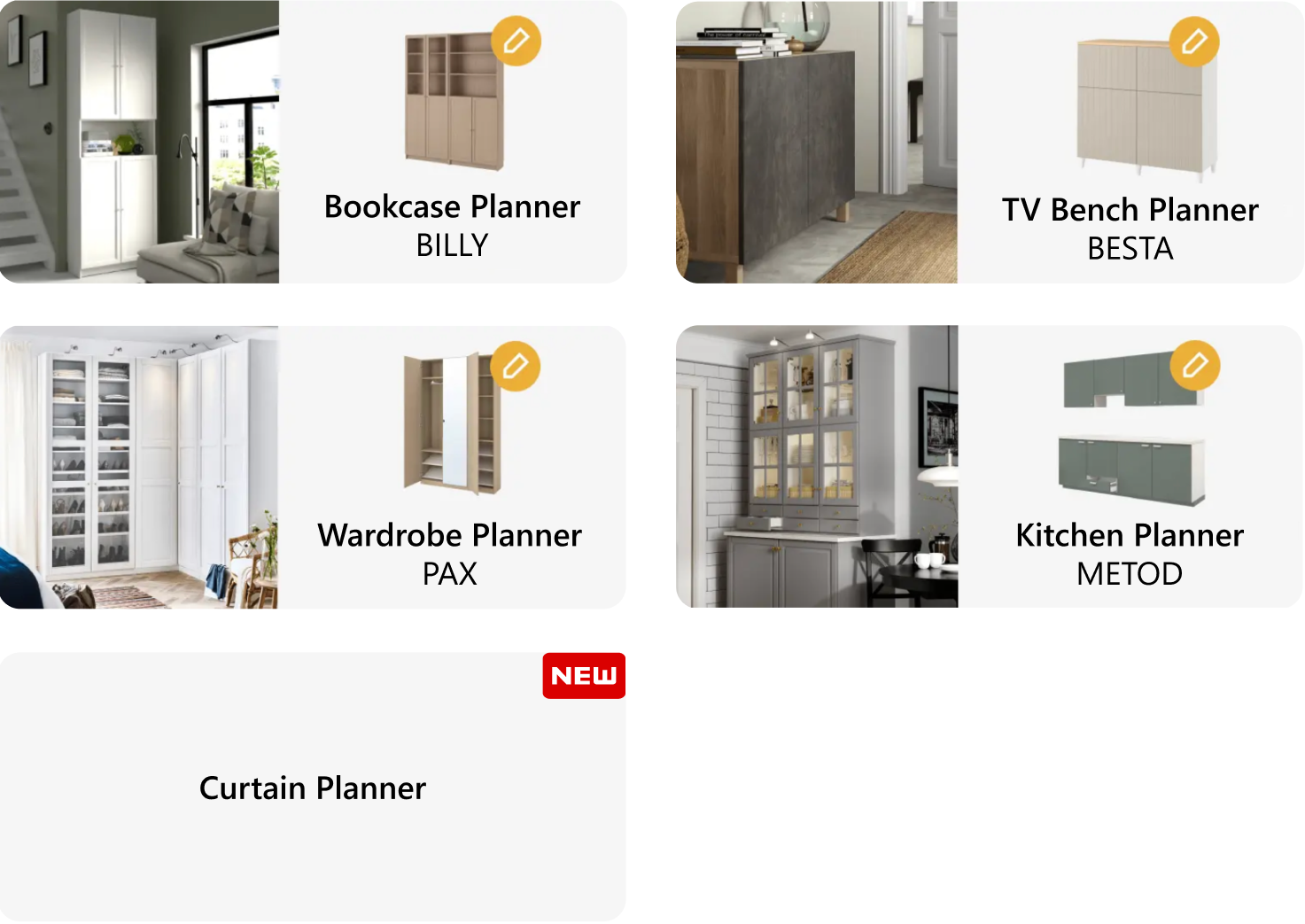
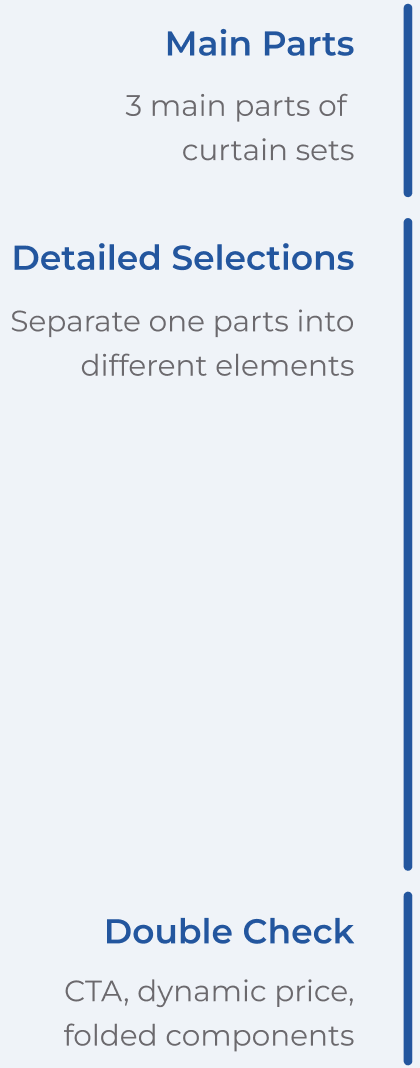
Break down a complex planning process into clear, manageable steps
Exploration 1: One-Page Divider

Exploration 2: Progress Bar
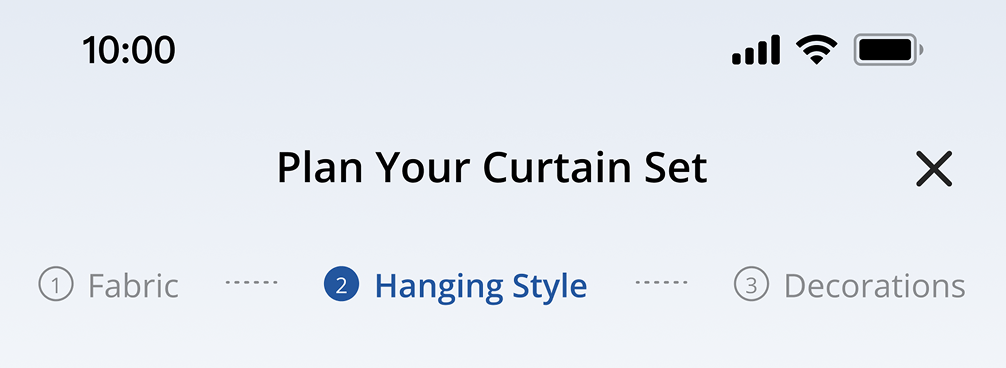
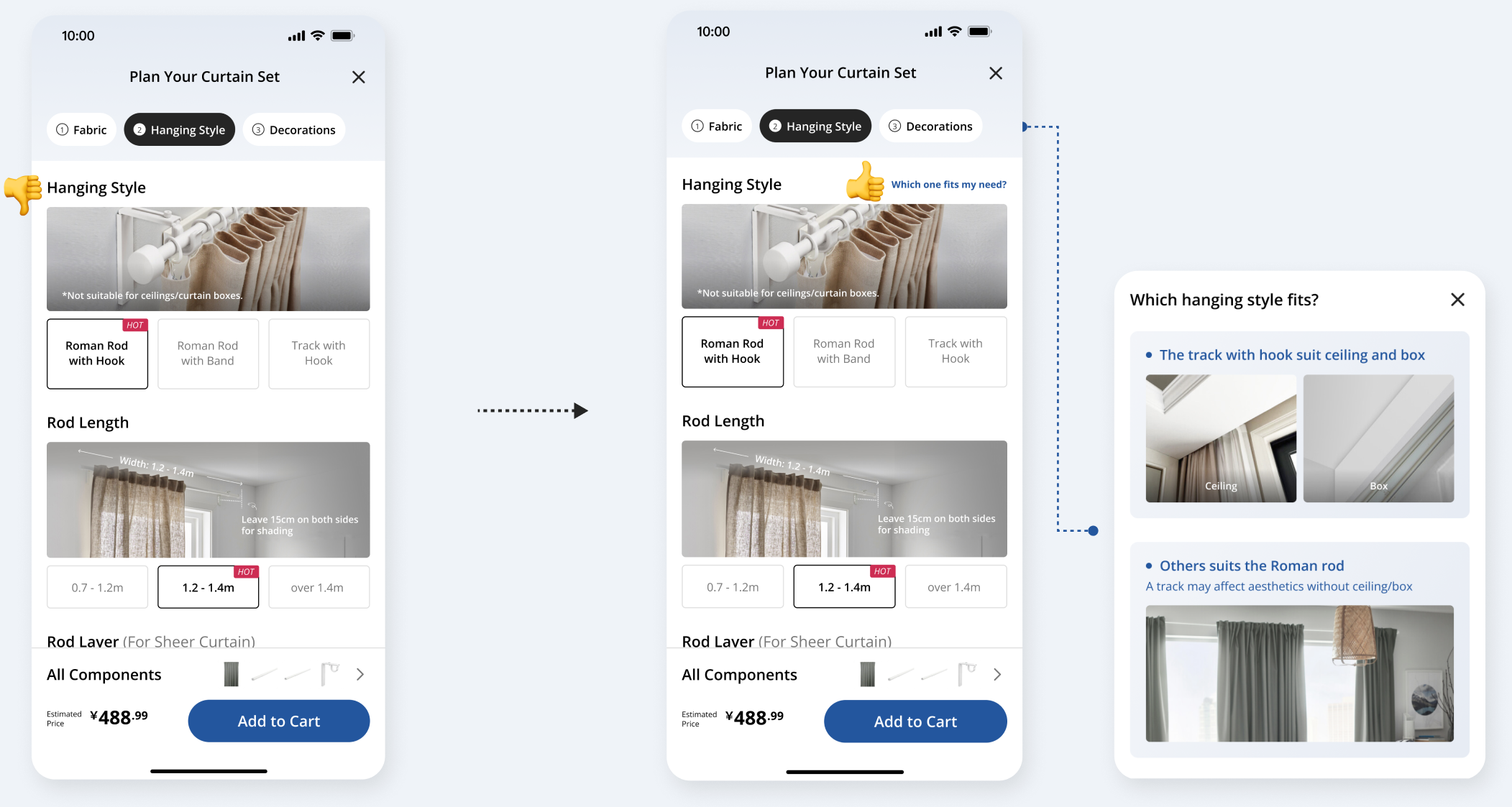
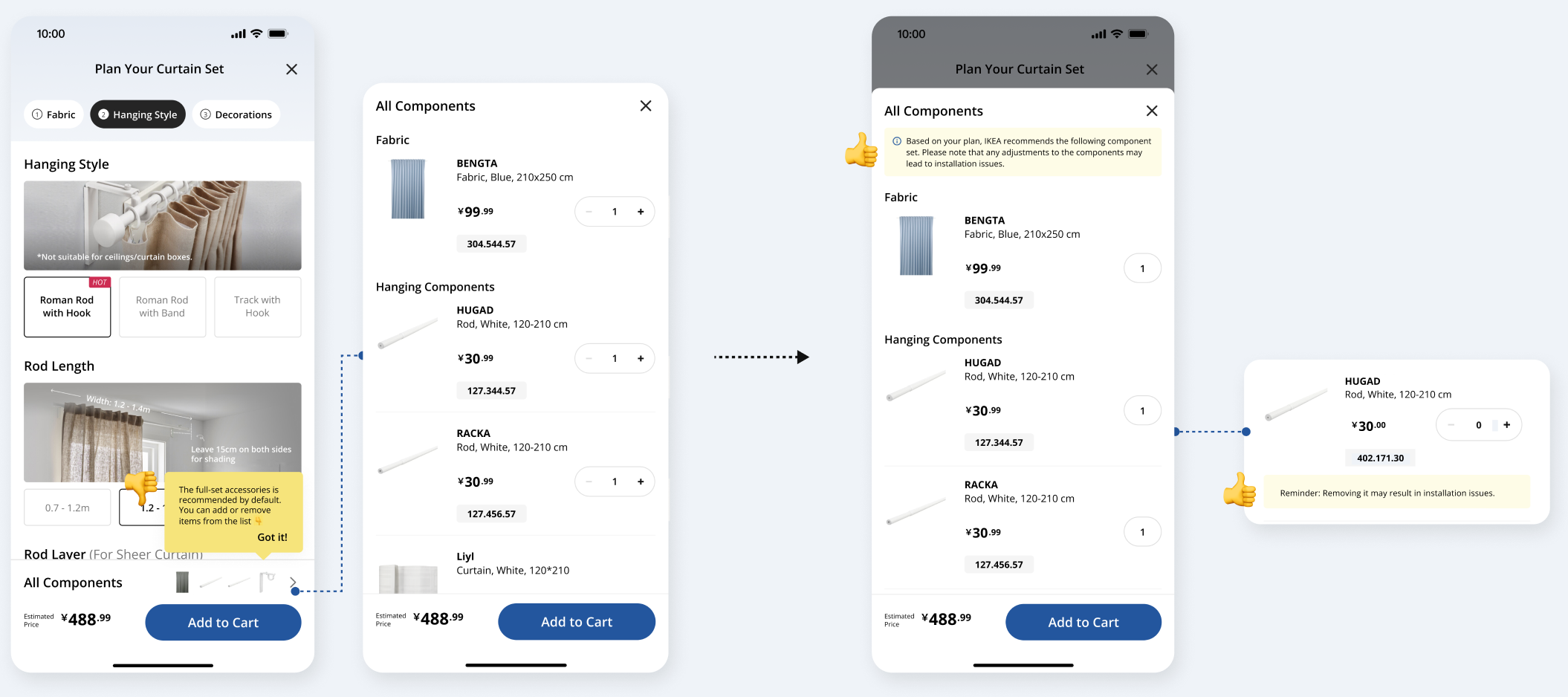
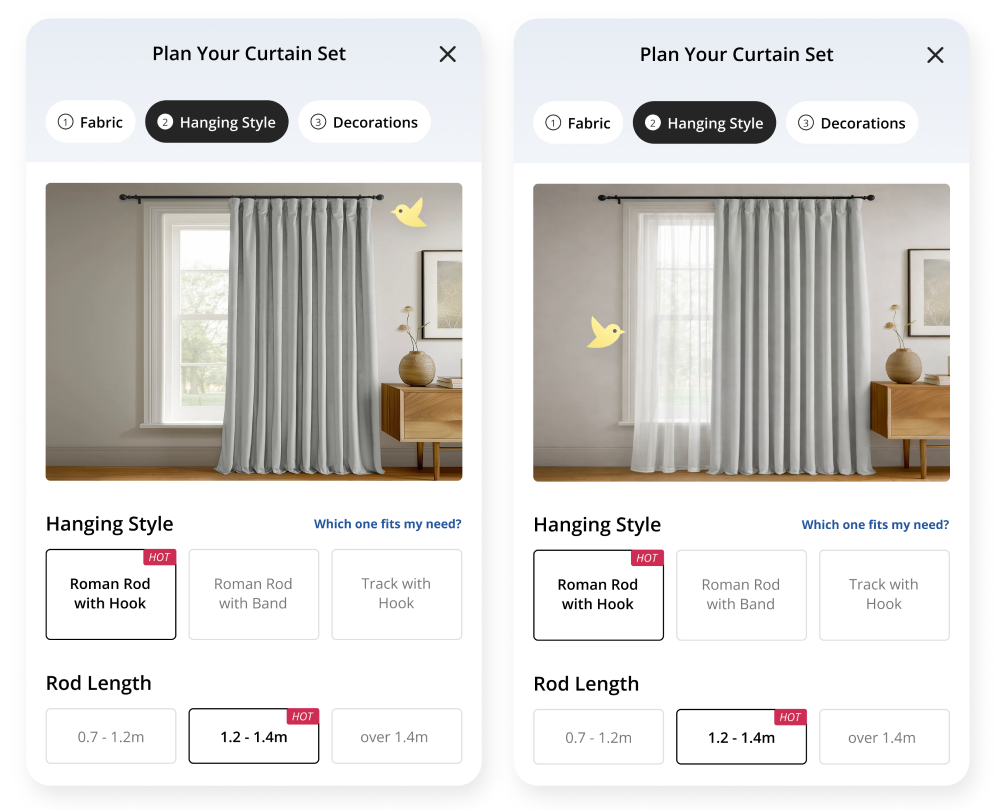
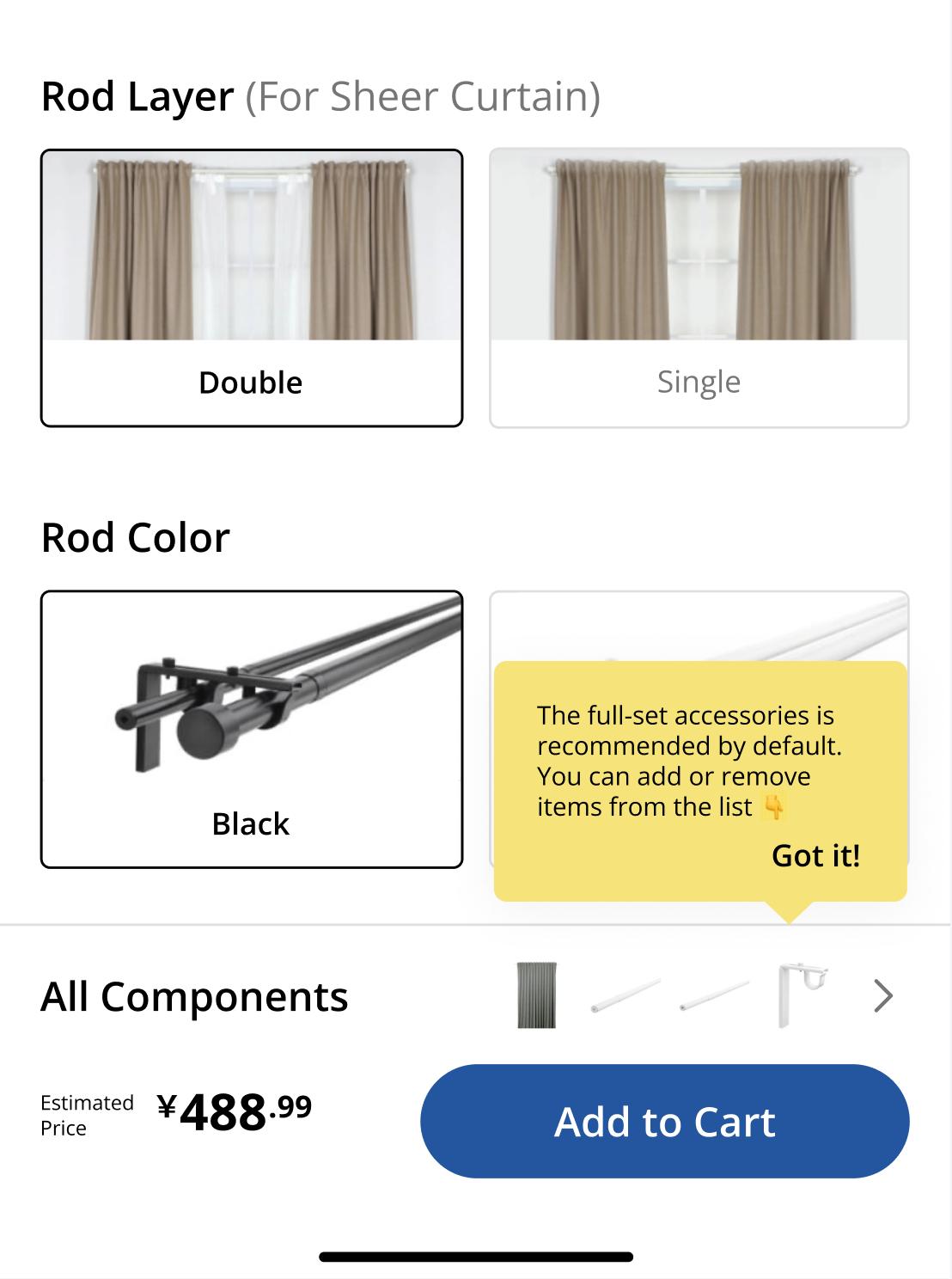
Set customization based on users' priority and give instructions and recommendations
1. Choose the hanging style, width, gauze curtain and rod color according to users' habit and priority
2. Explain the explanations and advice for each option to ensure that it meets the needs of every user.
3. Use the "Hot" tag to make suggestions.
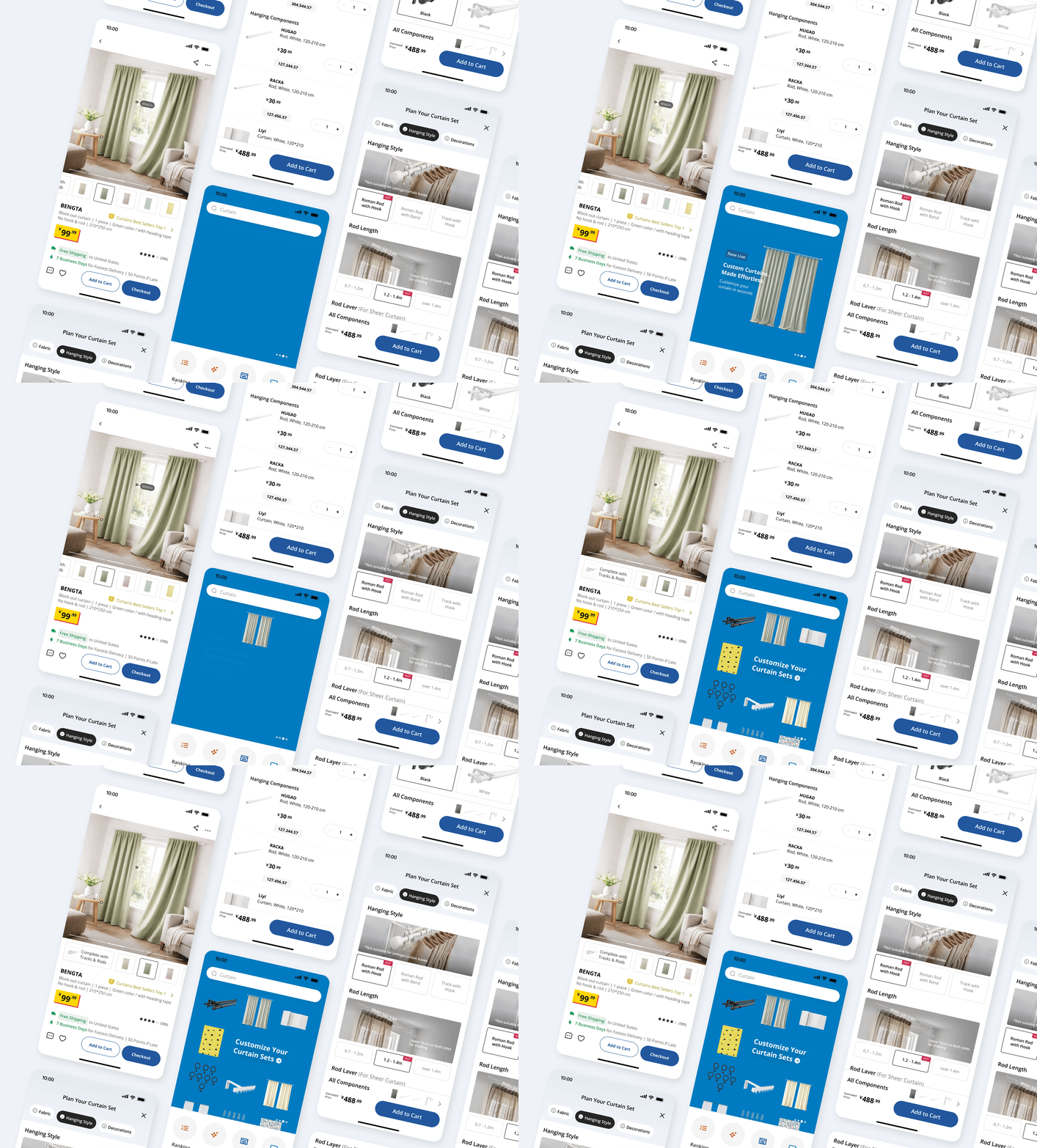
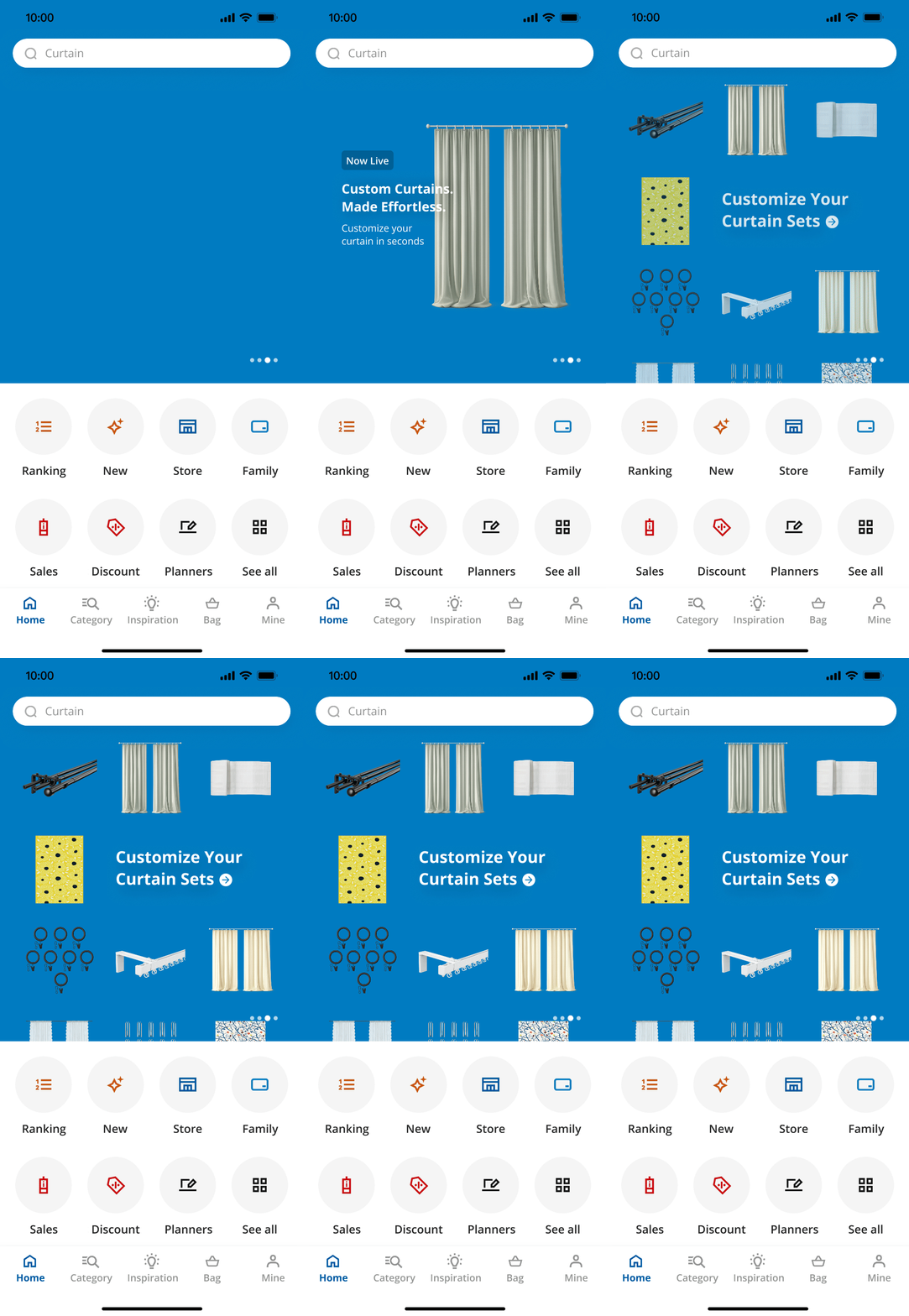
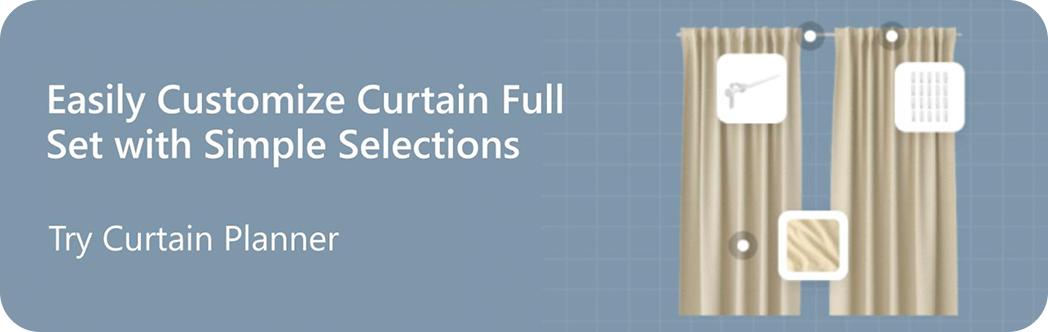
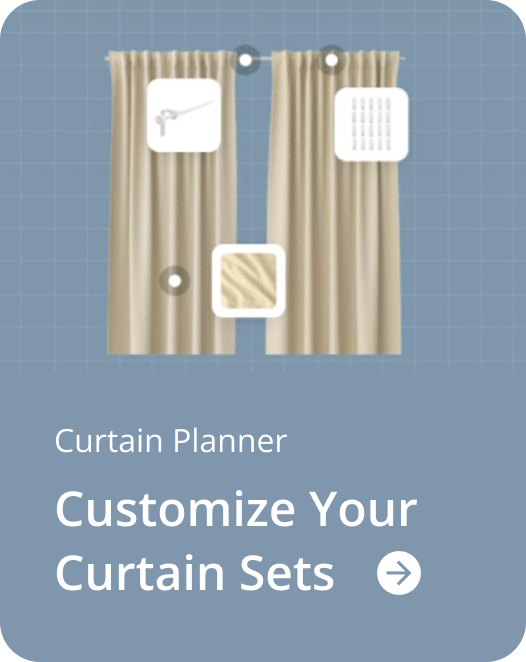
Banners designed to introduce the new feature to consumers
1. A homepage banner, fancy and animated, to show the new feature to users clearly
2. A banner on curtain page, smaller and clearer, to target at specific consumers
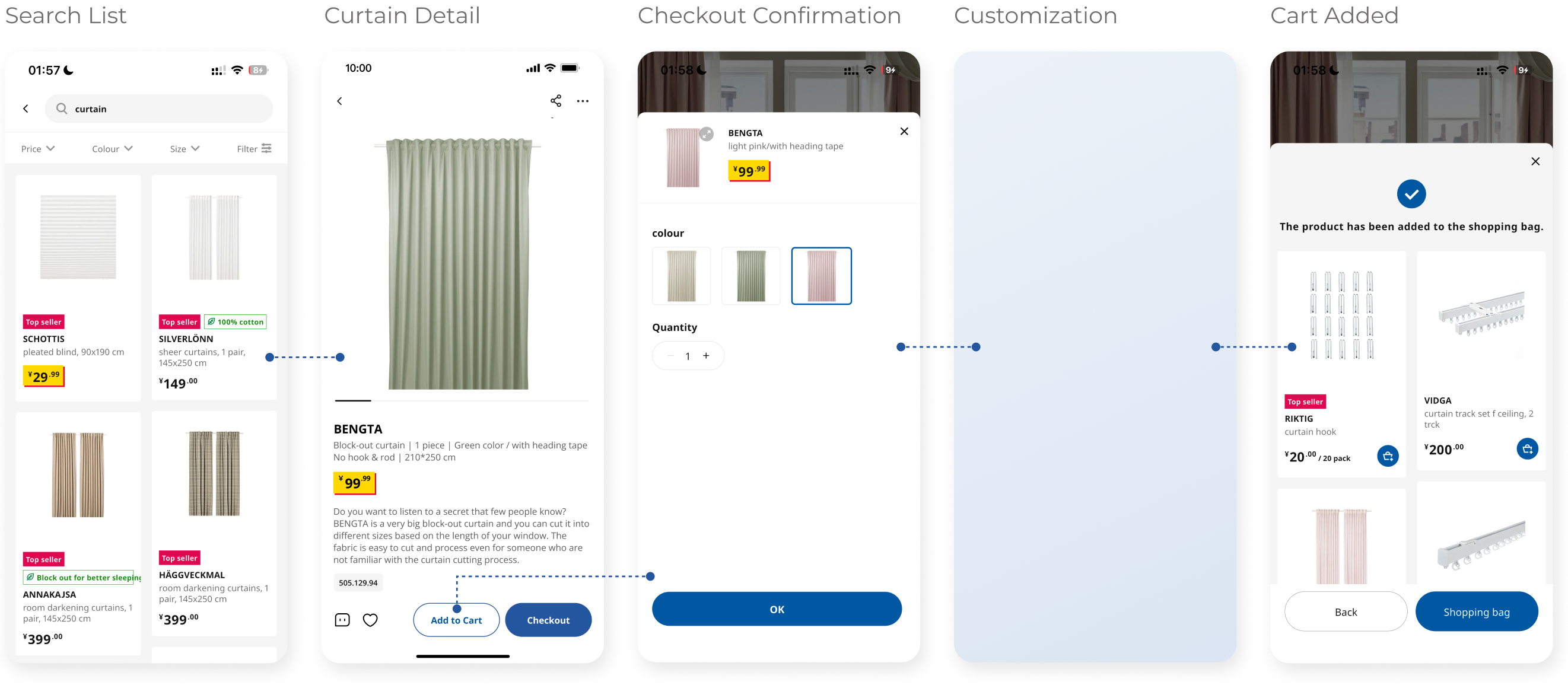
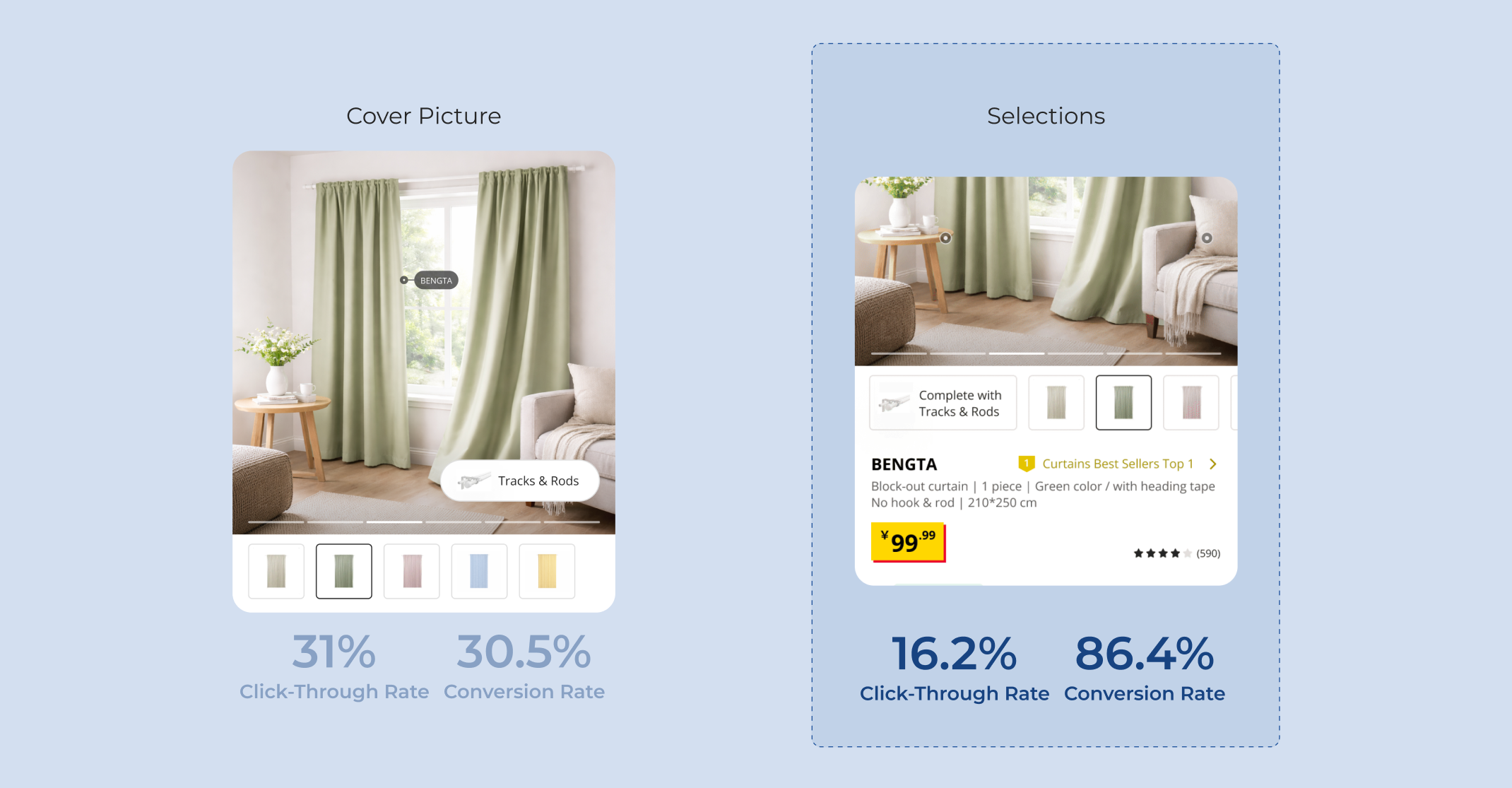
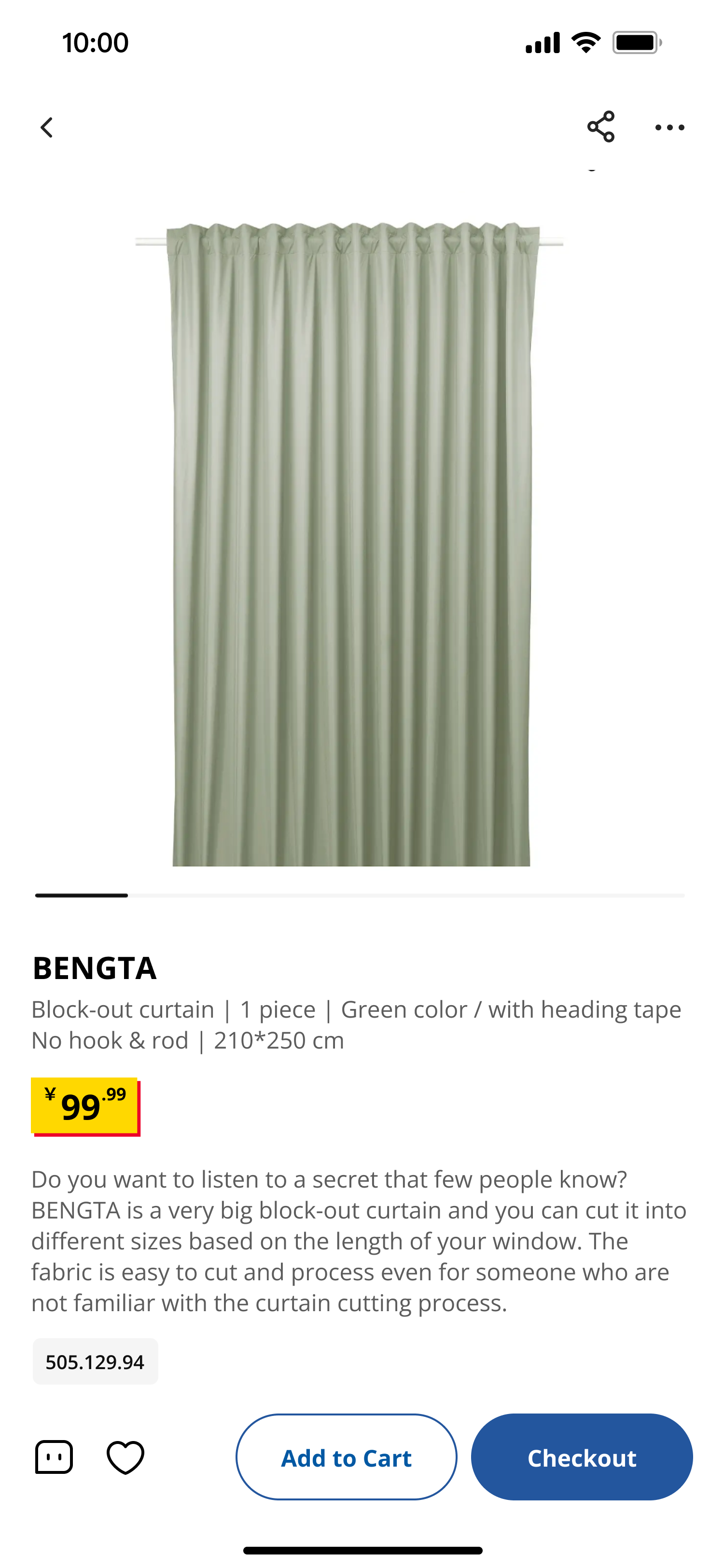
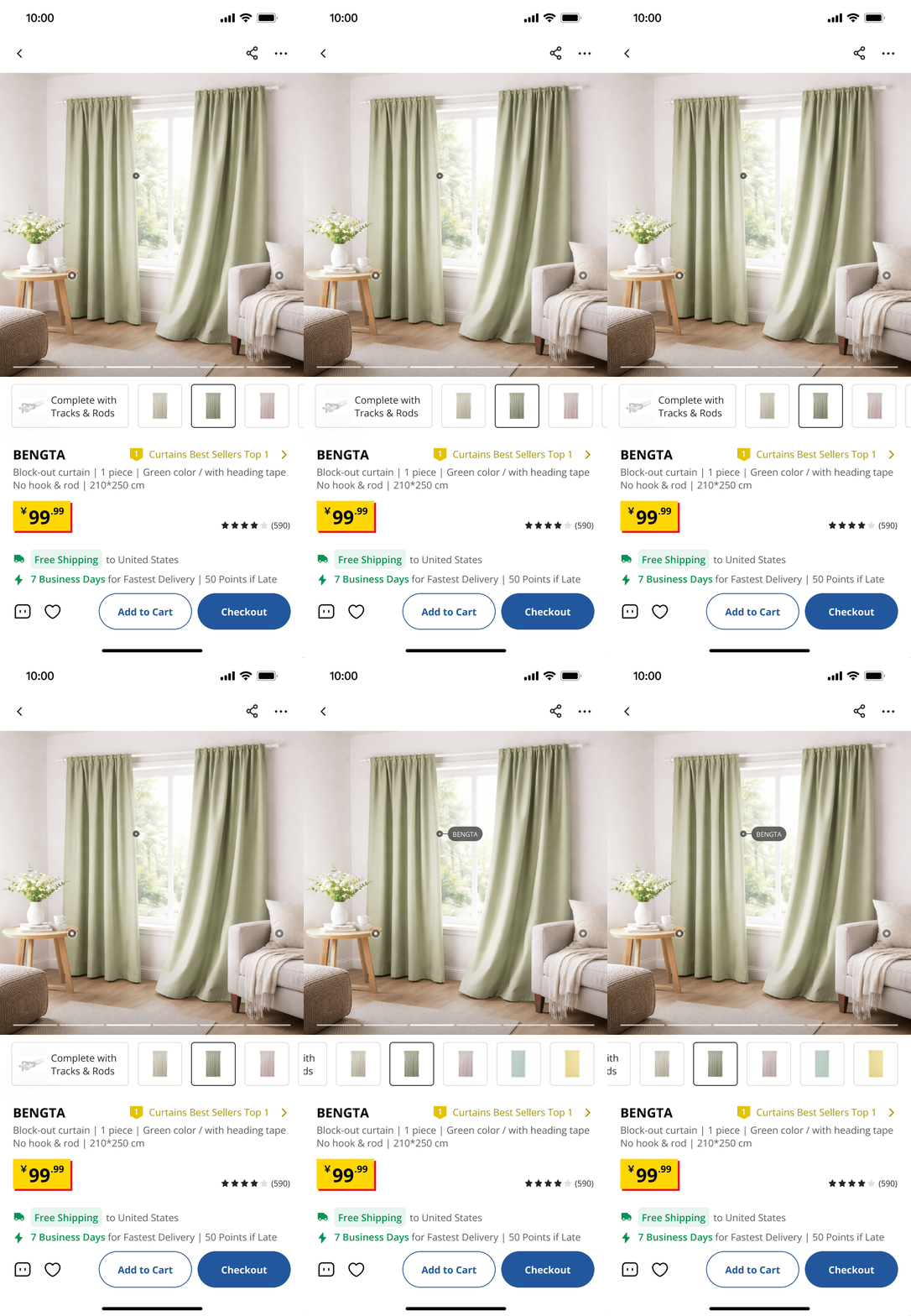
Rearranged the curtain detail page to improve information efficiency
1. Highlight ranking, shipping, rating and selections on the first screen.

2. Postpone the detail description and product number to later screen.

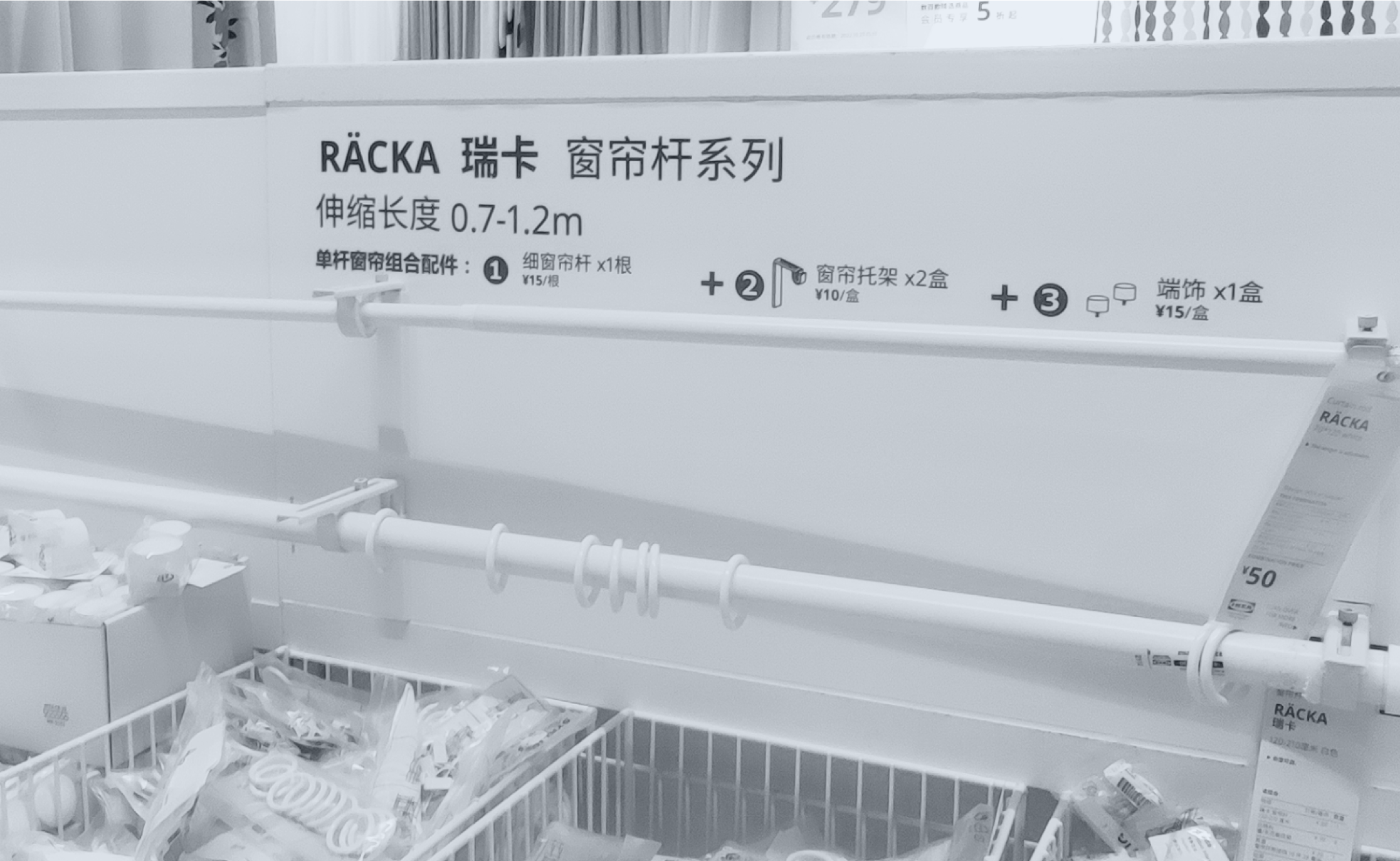
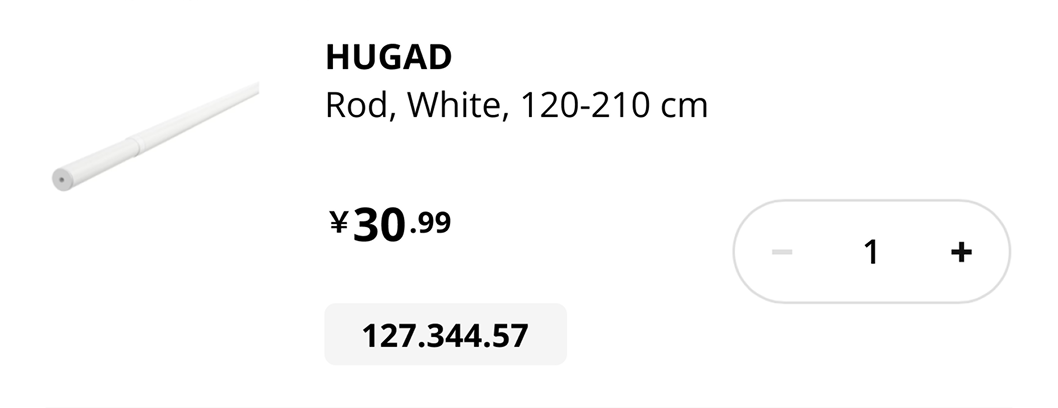
Automatically pack unimportant components in the detail list
1. Include fixed and complex items like screws, brackets, hooks and so on

2. Leave the burden to the backend instead of users themselves
A/B Testing for the best position of the planner portal
1. Include fixed and complex items like screws, brackets, hooks and so on
2. Leave the burden to the backend instead of users themselves
Homepage Banner
Detail Page Banner
Detail Page Banner
Before
After
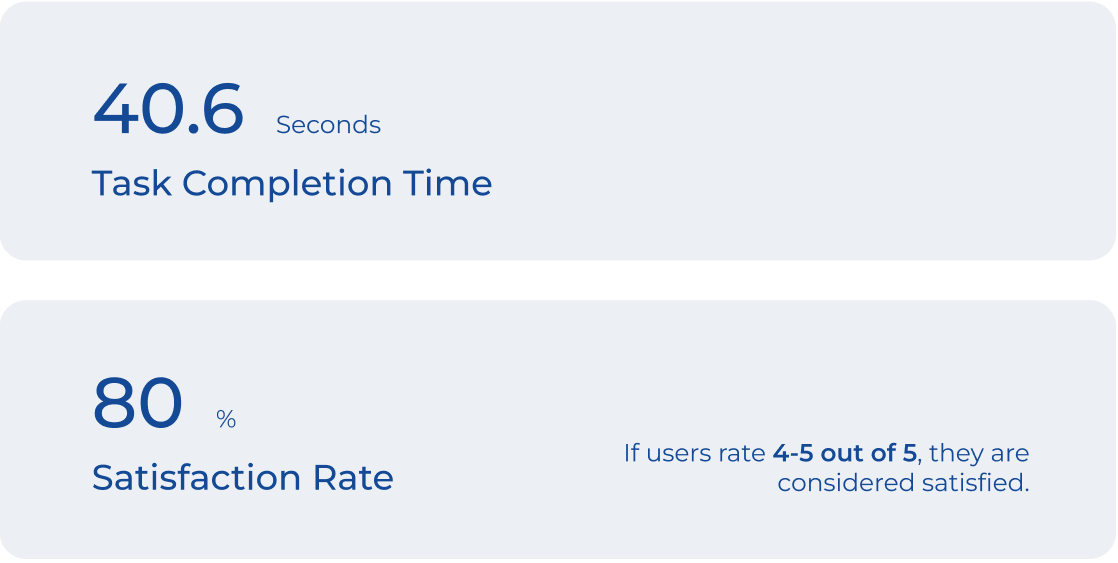
Customize Your Curtain Set In Seconds
Including interaction, motion and visual design to create a smooth, engaging and efficient curtain set personalization experience for IKEA customers


.png)
.png)